
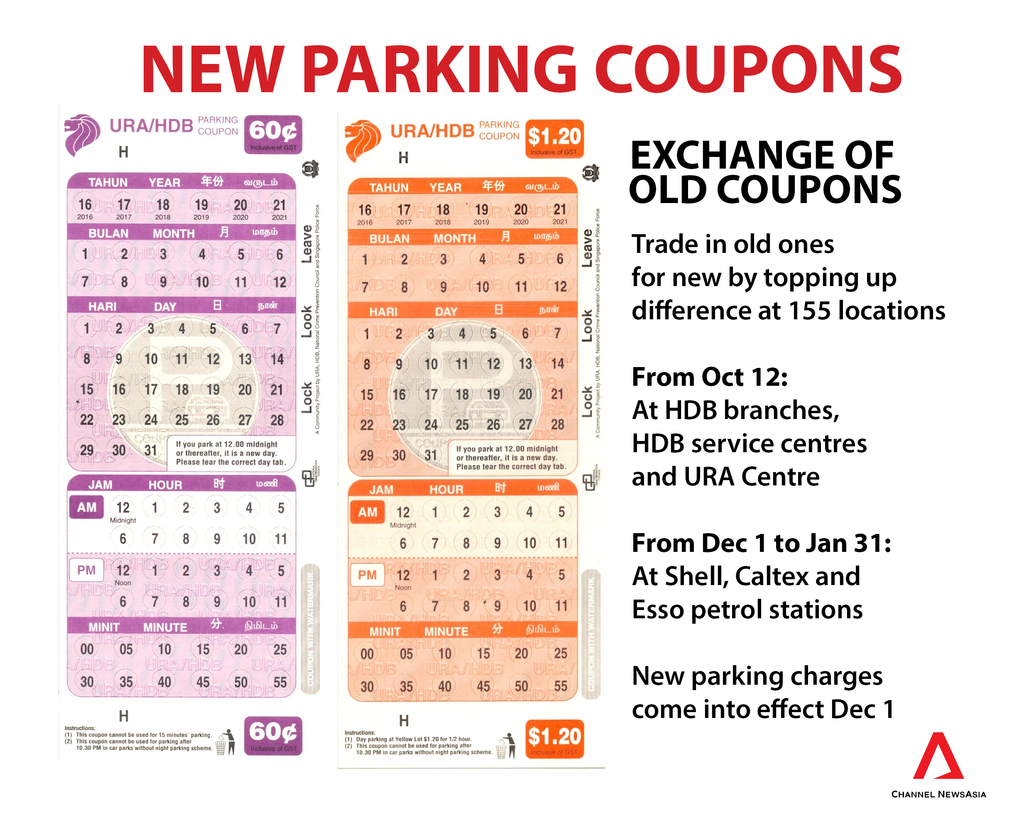
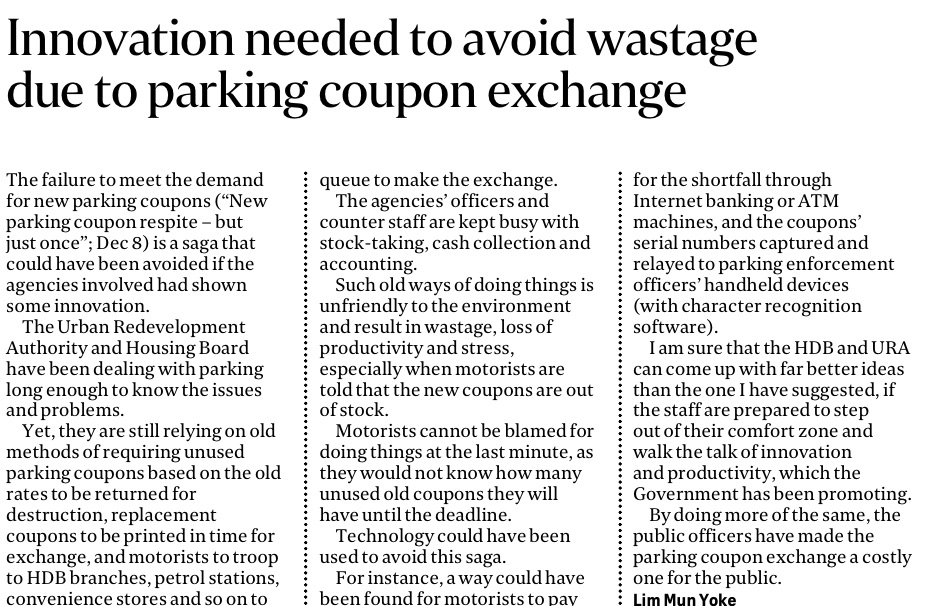
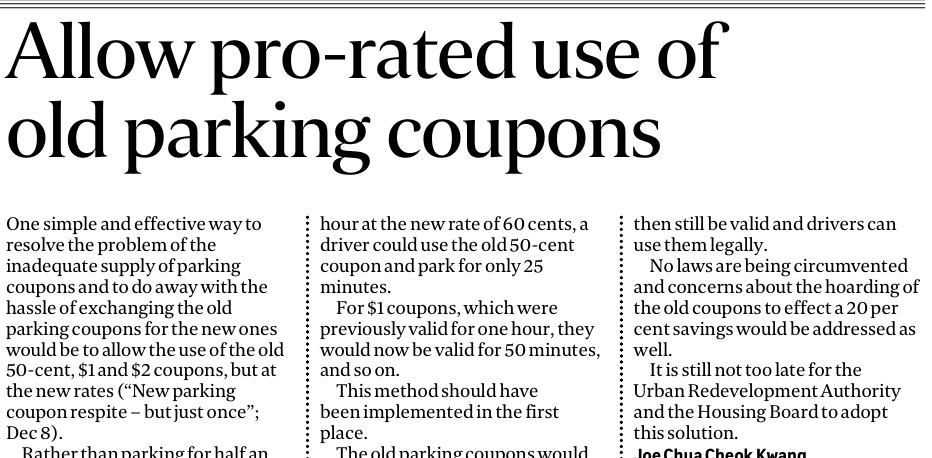
These two letters in the forum section of today’s Straits Times (12th Dec 2016) caught my eye.
I have to say these 2 suggestions are brilliant and we don’t need scholars to come up with such solutions.
Okay, so I have 2 stacks of 50 cents and 1 stack of $1 parking coupon sitting in my car. So I have to bring these old coupons to my Branch Office to exchange them.
Why not just continue using them at pro-rated value? It’s such a simple and brilliant solution!!!
No need for civil servants to account for the old coupons, no need for headaches and queues, no need for trip to the branch office. It’s so productive and efficient!
Joe Chua is right, this should have been implemented in the first place and I am sure by Jan or Feb 2017, the 50 cents and $1 coupons would have been expended. Its not too late for URA, HDB, LTA or whichever department to start implementing it. We don’t need a limp excuse such as a reminder letter or leeway if motorists are caught still using the old coupons.
What are the authorities going to do with the collected old coupons anyway? Keep them in the museum? Its a lot of wasted resources.
Now on the supply side of the new coupons, it’s also a screw up or an oversight. It is a case of COUPON NO ENOUGH!!! I have gone to three to four seven eleven stores. All no stock! Now I pray to go into a gantried carpark and try not to park in lots which still require car park coupons! Or maybe its a conspiracy for us to use the gantry parking so that we are charged by the minute and the vendors can get higher revenue.
The second letter suggested use of technology such as payment of shortfall through internet banking or ATM machines and capturing the coupons serial no…sounds complicated and it is creating another new set of problems to solve the the current set of problems. Its a good suggestion though.
Innovation and productivity – we are doing the Cha Cha, 2 steps forward, 1 step back…
Parking coupon exchange is a costly affair for the public.
Just pro-rate the old coupons and everyone move on in life!
Is this being picked up by HDB, URA or LTA?
Like and share and hopefully…this gets picked up by the correct person / person(s) making the decision.
PEACE!